
Unplug at the right time.
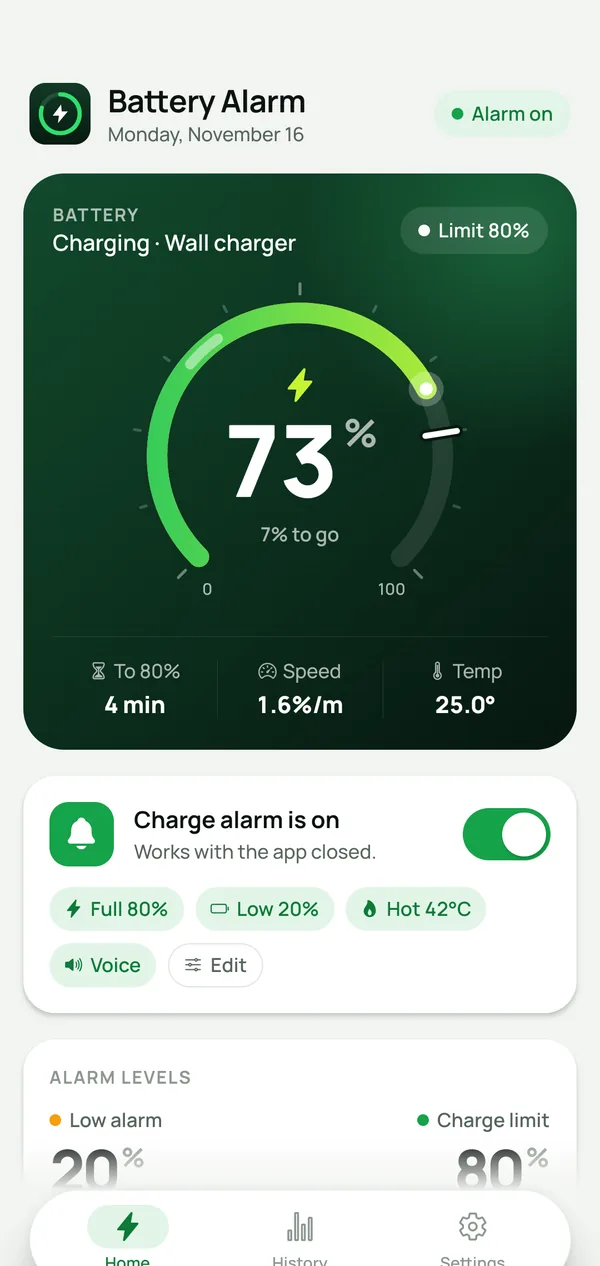
Battery Alarm rings when your phone reaches the charge limit you choose, like 80%. Unplug in time and keep your battery healthy for longer.
What it does
A simple alarm for healthier charging
Charge limit alarm
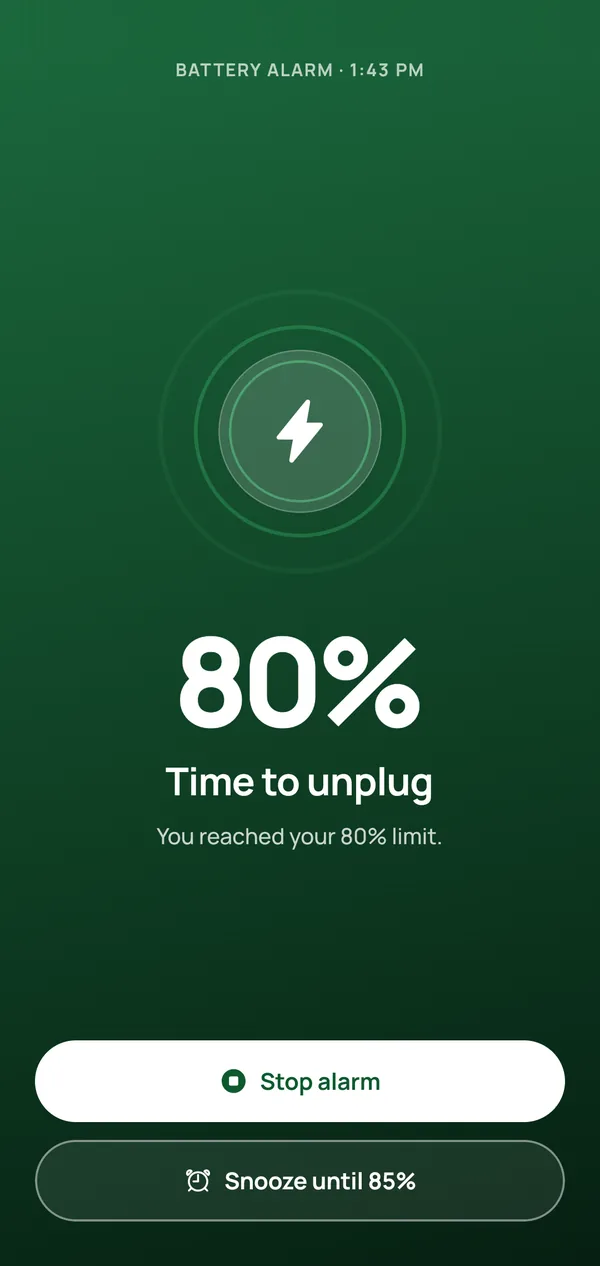
Rings the moment you reach your limit. Unplug and it stops by itself.
Low-battery alarm
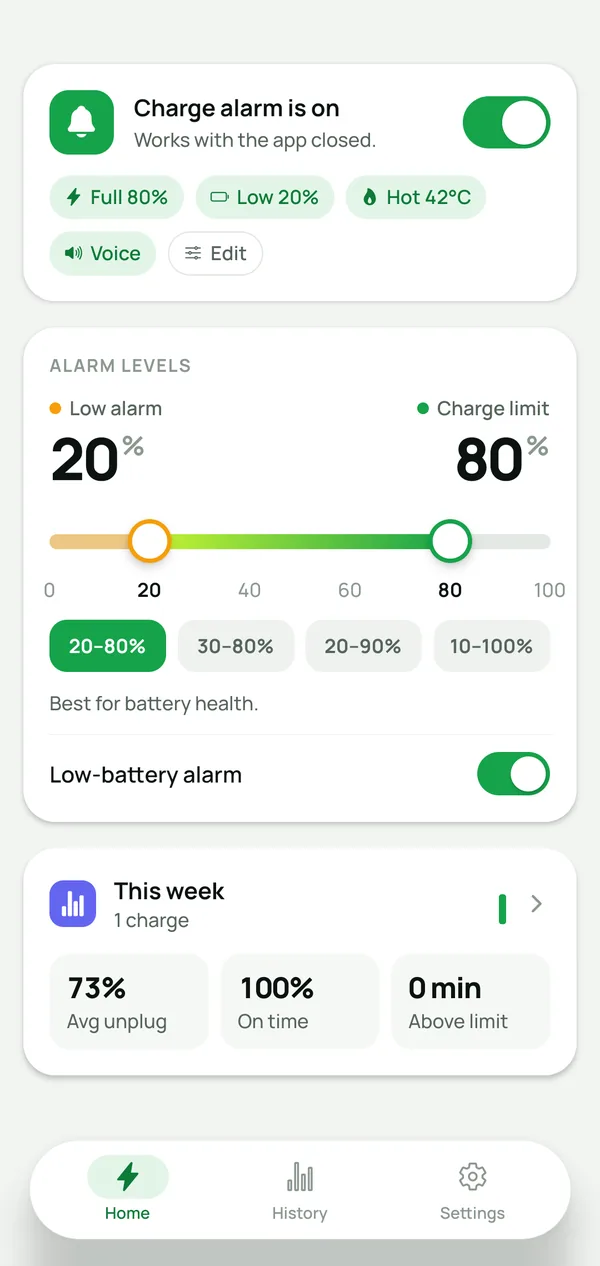
A heads-up at 20%, or your own level, before your phone dies.
Overheat warning Android
Know when the battery gets too hot while charging.
Spoken alert
Hear “Battery is at 80 percent” out loud, so you know without looking.
Bedtime mode
A soft sound, vibration only, or silence during the hours you choose.
Charging history
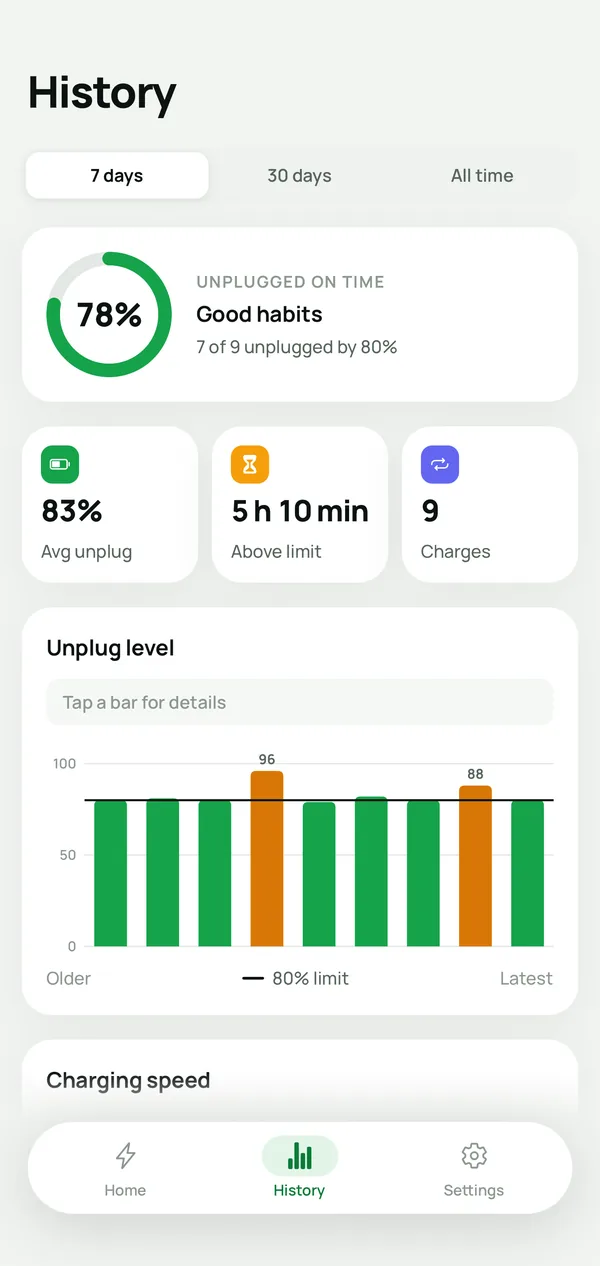
See how often you unplug on time and your average unplug level.
Why 80%?
Full charges wear batteries out faster
Phone batteries age faster when they sit at 100%, especially when warm. Stopping around 80% on most days helps yours keep more of its capacity over time.
Need a full charge for a long day? Just change the limit.
How it works
Three steps, no fuss
Set your limit
Pick a level on the Home screen. 80% is a good start.
Plug in as usual
Battery Alarm keeps an eye on the level while you charge.
Unplug when it rings
The alarm stops by itself when you unplug, or you can snooze it.
A look inside
Clear, calm and easy to use
Android and iPhone
How it works on your phone
Android
- Rings with the app closed and the screen off
- Low-battery and overheat warnings
- Use the app's chime or your phone's alarm tone
iPhone
- Rings while the app is open; it keeps the screen on while you charge
- Low-battery alarm, spoken alert and bedtime mode
- App closed? A Shortcuts automation can alert you
iPhone doesn't let apps check the battery in the background. How to set up Shortcuts
Your battery data stays on your phone
- No account needed
- Charging history saved on your phone
Questions?
Find quick answers, or email us.
Visit Support